A self-hosted remove.bg alternative for product photos
Every lead product photo on Audio Trader was a thumbnail and nothing said so. Why it happened, what replaced remove.bg, and how to check your own store.
533px to 1,638px median lead photo width, Audio Trader, August 2026
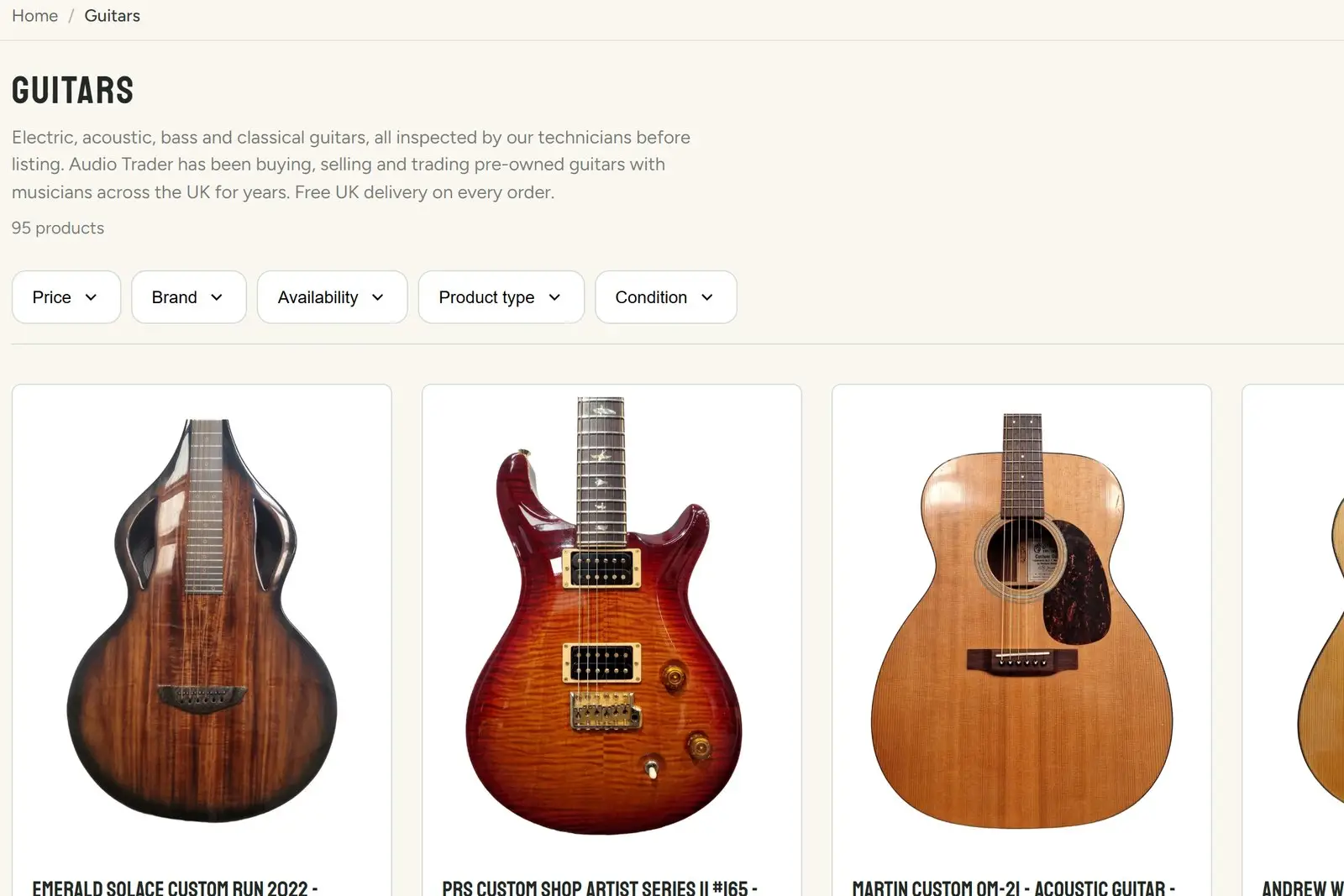
Every lead product photo on Audio Trader was a thumbnail, and nothing anywhere said so.
The photographs were fine. They are taken at around 4,000 pixels across. The second, third and fourth images on every product page were sharp. Only the first one, the cut-out shot on white that shows on every collection grid, was soft. On a phone it looked acceptable. On a laptop with a good screen it looked like a stock photo from 2009.
What was actually wrong
The background removal step called remove.bg with the size set to preview. That is the free tier, and it caps the output at 0.25 megapixels. A 4,000 pixel photograph went in and came back at roughly 625 by 400. The pipeline padded it to the product card’s shape and Shopify stored about 533 by 666.
The line of code even had a comment beside it saying to change it for full resolution. Nobody had.
Measured on the live store in August 2026:
| Measure | Before the fix |
|---|---|
| In-stock products with a lead photo | 1,525 |
| New listings that went through background removal | 96% |
| Median lead photo width | 533px, against 1,210px a product page needs on a retina screen |
| New listings a month | about 490 |
remove.bg did exactly what it was asked to do. The real fault was that nothing checked what came back. Every call returned a success, every image published, and the only way to see the problem was to look at the pixels.
What replaced it
I built a small background removal service of our own, running a model called BiRefNet on a rented GPU on Google Cloud.
The choice of model mattered more than the hosting. Audio Trader sells guitars, microphone stands, cymbals and rack gear. Guitar strings, the gaps between tuning pegs, tripod legs and coiled cables are all thin structures, and the cheaper open models soften exactly those edges until a mic stand loses a leg. Edge quality on thin things was the bar, not an average score on a benchmark.
Four decisions did most of the work:
- Work from the original, always. The source photographs were never lost. They sit in storage and the warehouse system keeps the link, so the fix was to rebuild every lead photo from its original at full size rather than try to recover anything from Shopify.
- Fit the card, not a square. The storefront card is 4:5. A square image placed in a 4:5 card fits by its width, so a tall product filled 72% of the card and a wide one 90%. 88% of the catalogue is tall. Output is now 1,638 by 2,048, the card’s own shape, with every product scaled to the same share of the frame.
- Check the output, not the response code. Each cut-out is measured before it is published: how much of the frame is product, whether it touches every edge, whether the mask is speckled. Anything that fails goes to a folder for a person to look at, never to the shop. One of those checks caught a listing whose lead photo was of the flight case, not the product.
- Keep the old route as a fallback. remove.bg still sits behind the new service. If ours is down, listings still go out.
What it changed
On the day it went live, 27 August 2026, the median lead photo went from 533 pixels wide to 1,638. Lead photos under 900 pixels went from 65% of the catalogue to 9%. 914 live products were rebuilt from their originals, and every one was checked against Shopify afterwards so no product ended up with two lead photos or an orphaned image.
The mistake worth sharing
The first version also tried to correct rotation, on the belief that staff rotated photos in the warehouse tool. They did not. The tool has no rotate control. That belief published a guitar stand upside down before it was caught.
Rotation is now measured, reported and never acted on. If a check thinks a photo is turned, a person decides. When the evidence for a fix turns out to be a guess, the fix should only ever report what it finds.
How to check your own store
You do not need any of the above to find out whether you have the same problem.
- Open
yourstore.com/products.jsonin a browser. It is public on every Shopify store and lists up to 30 products by default, 250 with?limit=250on the end. - For each product, the first entry under
imagesis the lead photo, and it carries awidth. - If most of those widths are under 1,000, your collection pages are showing thumbnails to anyone on a good screen.
If they are, the cause is usually an app or a step in your photo process that resizes on the way through. It is rarely the camera.
Is self-hosting worth it for you
Probably not, if you list a few dozen products a month and your photos come out fine. A paid background removal plan at full resolution is the simpler answer, and I would tell you so.
It starts to pay when you list hundreds a month, when your products have thin or awkward edges that generic tools get wrong, or when you need every image in the catalogue framed the same way. And whichever route you take, put a check on the output. The response code will tell you the service answered. Only the image tells you whether it worked.
If this sounds like your shop, a twenty minute call will tell us both whether it is worth fixing.
More like this in the articles, or see what ecommerce technology involves.